Every developer has a "legacy system" horror story. For our team, that story lasted ten months.
We inherited a series of enterprise portals—the kind of systems that hold the backbone of a company together but are held together themselves by digital duct tape and prayer. The biggest issue wasn't the code; it was the Schema Drift.
In these environments, "noob" developers (or sometimes just stressed-out ones) had bypassed Git and Laravel migrations entirely. They would SSH into production, open a database manager, and manually add columns, change types, or drop indexes to "fix" a bug quickly.
The result? The migration files in the repository were a work of fiction. Running php artisan migrate on a fresh local setup would result in a database that looked nothing like production. Developing new features became a game of Russian Roulette.
We spent ten months fighting this drift. Then, we decided to build a solution that would end this nightmare forever.
Introducing Laravel Schema Sentinel.
What is Schema Drift?
Schema Drift occurs when the state of your live database deviates from the source of truth—your migration files.
In a perfect world, your migrations represent the "Blueprint" and your database is the "Building." Drift is what happens when someone decides to add a new window to the building without updating the blueprint. Over time, the blueprint becomes useless, and any future renovations (new features) are likely to cause a collapse.
For enterprise clients with old portals, this isn't just a nuisance; it's a critical risk. It breaks CI/CD pipelines, makes local development impossible, and leads to "it works on my machine" bugs that take days to debug.
Enter the Sentinel: A New Way to Audit Database Integrity
Laravel Schema Sentinel was born from the necessity of reclaiming control over messy production environments. It doesn't just check if your migrations have been run; it checks if the resulting schema matches what your code expects.
The Virtual Migration Engine
The core innovation of Sentinel is its Virtual Migration Engine.
Standard Laravel only tracks which migration filenames are in the migrations table. It doesn't care if a column was manually added to the users table via Sequel Pro.
Sentinel works differently:
- It spins up a "Shadow" database (usually a lightweight in-memory SQLite instance).
- It runs your entire migration history in this shadow environment.
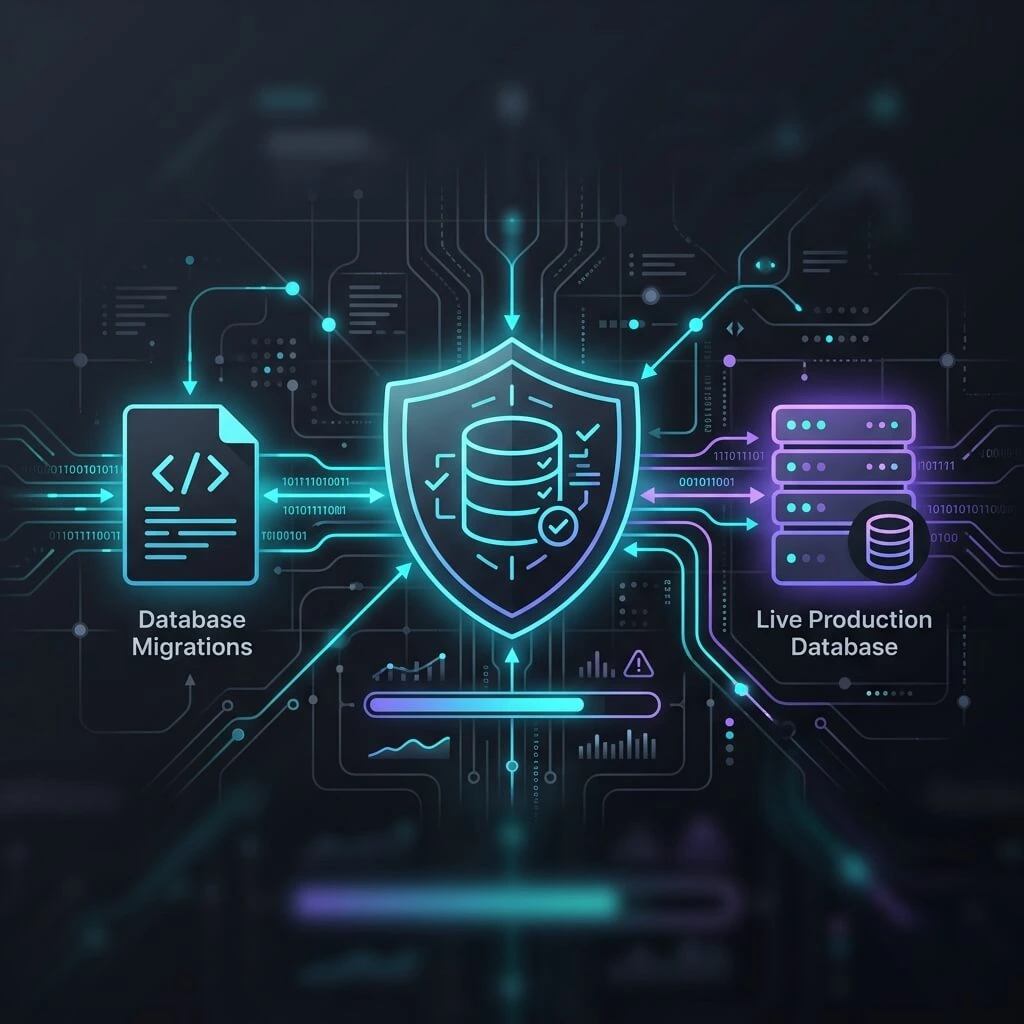
- It then compares the schema of your Live Database against the Shadow Blueprint.
If there is even a single discrepancy—a missing index, a mismatched column type, or an unauthorized table—the Sentinel finds it.
Key Features for Enterprise Stability
1. Deep Drift Detection
Sentinel doesn't just look at table names. It performs a deep audit of:
- Columns: Names, types, lengths, and default values.
- Nullability: Ensuring
NOT NULLconstraints match your code. - Indexes: Primary, Unique, and Spatial indexes.
- Foreign Keys: Verifying relational integrity constraints.
2. The Automated Fixer
Identifying drift is only half the battle. Fixing it manually is tedious and error-prone. Sentinel includes an Automated Fixer that can generate a "Bridge Migration" for you.
When you run:
php artisan schema:drift --fix --interactive
Sentinel generates a new Laravel migration file containing the exact up() and down() logic needed to bring your live database back into sync with your code.
3. Strict Mode: Hunting "Ghost" Columns
In many legacy systems, the database is cluttered with "ghost" columns—remnants of features that were deleted years ago but never dropped from the DB.
Sentinel’s Strict Mode identifies these unauthorized artifacts. It flags anything in your live database that does not exist in your migration files, allowing you to clean up your schema and improve performance.
Integrating Sentinel into Your Workflow
Sentinel is designed to be a "Zero-Trust" tool for database integrity. Here is how we recommend using it in a professional enterprise environment:
CI/CD Enforcement
Don't let drift reach production. By adding php artisan schema:drift to your CI/CD pipeline (GitHub Actions, GitLab CI), you can fail builds if a developer tries to push code that is out of sync with the expected schema.
The "Doctor" Check
Before every deployment, our team runs the schema:sentinel-doctor command. It verifies that the environment is compatible and that the shadow runner is ready to perform its audit.
Programmatic Monitoring
For high-stakes enterprise apps, you can use the Sentinel facade to build a health dashboard. Imagine an admin panel that turns red the moment someone makes an unauthorized change to the production database.
use Sentinel\SchemaSentinel\Facades\Sentinel;

public function getDatabaseHealth()
{
    $diff = Sentinel::check(strict: true);

    return [
        'is_healthy' => !$diff->hasDifferences(),
        'drifts' => $diff->getDifferences(),
    ];
}
Conclusion: Turning Chaos into Order
The ten months we spent manually untangling messy enterprise databases were the inspiration for this package. We realized that in the world of enterprise SaaS, Database Integrity is not a luxury—it is a requirement.
Laravel Schema Sentinel turns your migrations from a "suggestion" back into a "source of truth." Whether you are inheriting a legacy mess or starting a fresh project you want to keep clean, the Sentinel is your first line of defense against schema drift.
It’s time to stop guessing what’s in your database and start knowing.
Author: Our Team
Broadway Web Service – Building Resilient Enterprise Solutions.
Check out Laravel Schema Sentinel on GitHub
Install via Packagist